
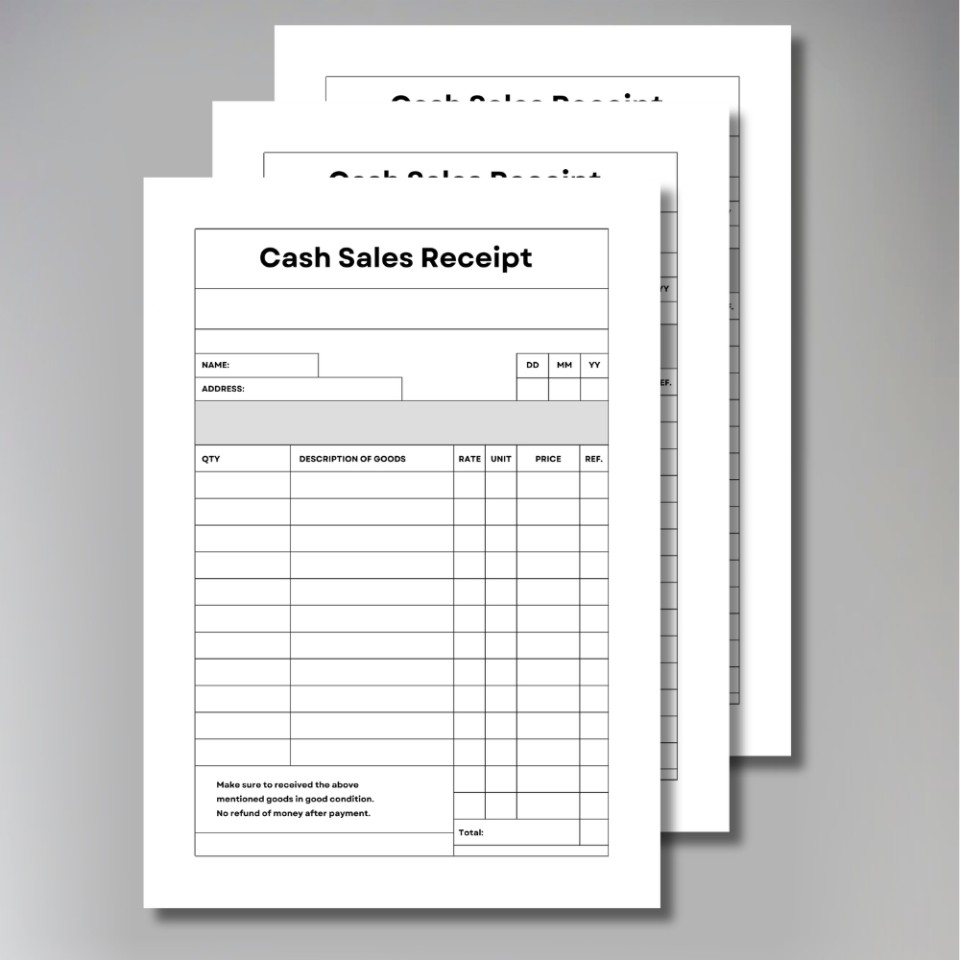
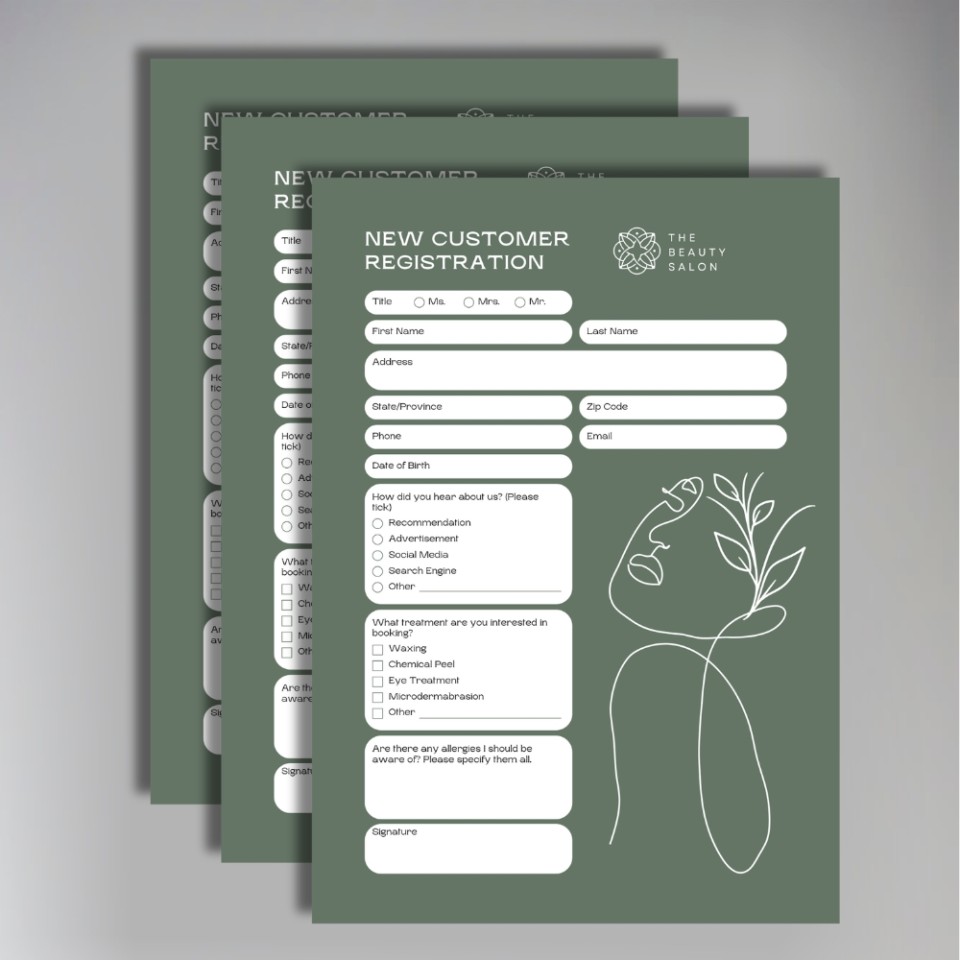

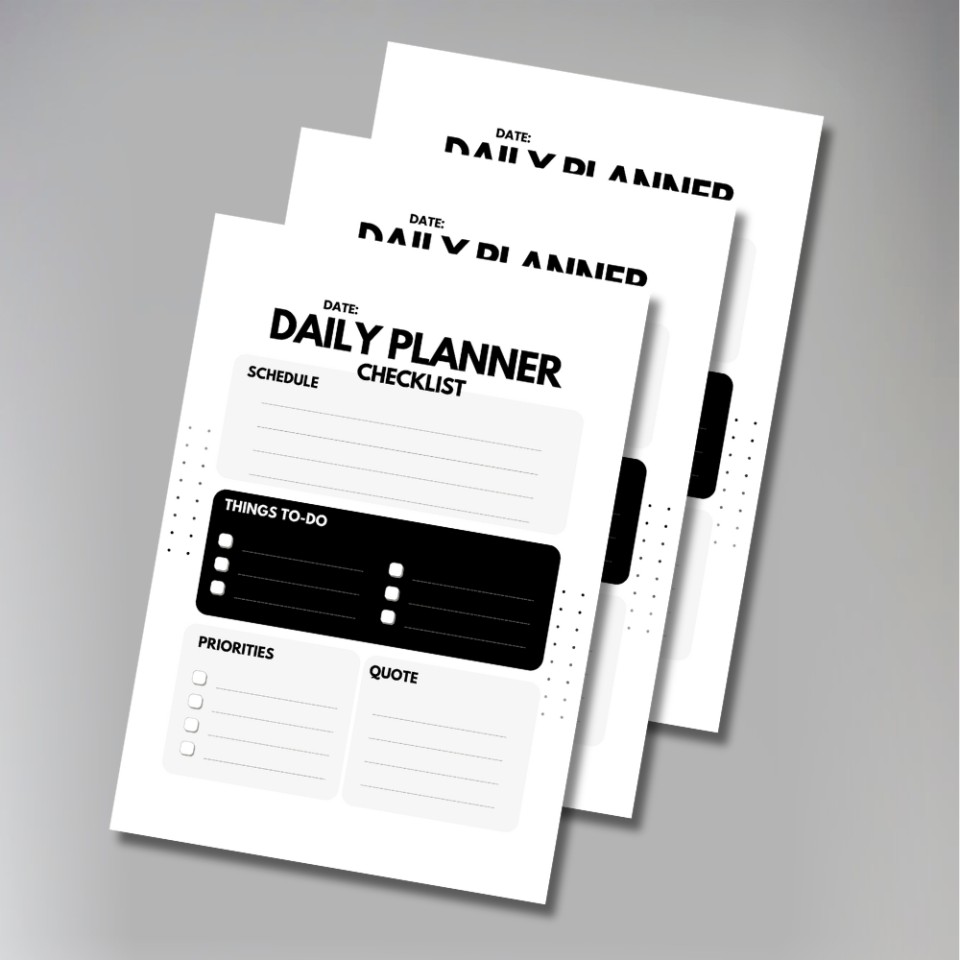
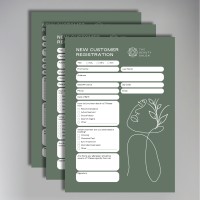
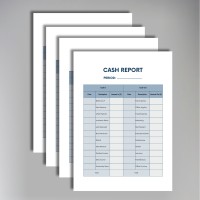
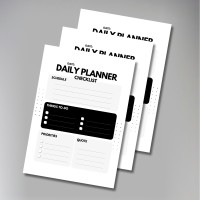
We provide a straightforward printing service for all your internal and external forms, ensuring your administrative processes run smoothly.
Our business forms are printed on standard 80gsm bond paper. Perfect for:
-
Application Forms & Surveys: Crisp, legible text ensures your customers can fill them out with ease.
-
Internal Checklists: Simple, effective tools for staff monitoring and compliance.
-
Medical & Consent Forms: Professional documents that reflect the standards of your practice.
To save you time, we can finish your forms so they are ready for use immediately upon delivery:
-
Hole Punching: available with 2 or 4 holes, allowing for instant archiving in ring binders.
-
Stapling: We can staple multi-page documents (e.g., long contracts or questionnaires) in the top-left corner to keep pages secure.
We'll need to have a file that we can print from.
Our prices are per file, so if you have 2 different files, you'll need to make a separate order for each.
After checkout, you'll be prompted to upload your file, and you'll be able to write any special instructions to us there.
We don't print anything automatically. We'll check your order, make sure we understand it, and email you a PDF proof for you to approve first (if necessary). This will show the final layout as it would print, and allows you to check for any mistakes.
Once your order is approved, we'll get started and email you once we've finished.
File Types
Our ideal file type is a PDF saved with 'press quality' or ‘high quality print' settings.
If you want edge to edge printing in colour, please include 3mm bleed and cropmarks.
Using Canva? Export as PDF Print and tick the 'Crop marks and bleed' box. In Adobe software, use File → Export → PDF (Print) with the Press Quality preset. Full guidance at copycentre.com/artwork.
We accept most file types (eg: Microsoft Word, Powerpoint), and we can resize your file for you. Please note that Microsoft Office files can change between computers so it's best to save or 'print' to a PDF first.
If you only have a paper copy, you can post it to us and we'll scan it in for free.
If you don't have a design, you can download our simple invoice template, which you can edit to become an order form, quote, or anything you like.
We also recommend Canva, where you can edit templates for free, and download them as PDFs for us to print.
Alternatively, we offer a design service, with prices from £40 +VAT
We'll always check your file and send you a PDF proof to approve before printing.
Specifications
- Number of pages refers to the number of pages in your document. It is not the number of sheets.
- Colour / Black & White chooses the type of machine we print on. If you have mixed colour and black & white, choose 'colour'.
- Single / Double Sided refers to whether to print on the front or both sides of the paper. We can only print double sided if you select 2 or more pages to print.
- Hole Punching is standard UK 2/4 holes for placing into ring binders.
- Stapling is for your documents to be stapled once in the top left corner. The top left will depend on the orientation, and if you have a preference please let us know. If your document is too large to be stapled we'll let you know.
- File types: PDFs are preferred and are the fastest to process and print. Please note that we don't print comments or markups on your PDF.
Paper Types
- 80gsm is standard for black & white printing. It's an uncoated bond paper.
- 100gsm is standard for colour printing. It's an uncoated bond paper.
- 120gsm is a premium uncoated paper, often used for letterheads
- 170gsm is a thin card. We use uncoated card for black & white printing, and coated silk for colour printing.
- All our paper is FSC-certified, from mixed and renewable resources.
- We don't print custom sizes, we may be able to resize your file to the nearest standard size.
Not found what you're looking for?
Get in touch!Forms Printing
How it works
We'll need to have a file that we can print from.
Our prices are per file, so if you have 2 different files, you'll need to make a separate order for each.
After checkout, you'll be prompted to upload your file, and you'll be able to write any special instructions to us there.
We don't print anything automatically. We'll check your order, make sure we understand it, and email you a PDF proof for you to approve first (if necessary). This will show the final layout as it would print, and allows you to check for any mistakes.
Once your order is approved, we'll get started and email you once we've finished.
Product Specifications
File Types
Our ideal file type is a PDF saved with 'press quality' or ‘high quality print' settings.
If you want edge to edge printing in colour, please include 3mm bleed and cropmarks.
Using Canva? Export as PDF Print and tick the 'Crop marks and bleed' box. In Adobe software, use File → Export → PDF (Print) with the Press Quality preset. Full guidance at copycentre.com/artwork.
We accept most file types (eg: Microsoft Word, Powerpoint), and we can resize your file for you. Please note that Microsoft Office files can change between computers so it's best to save or 'print' to a PDF first.
If you only have a paper copy, you can post it to us and we'll scan it in for free.
If you don't have a design, you can download our simple invoice template, which you can edit to become an order form, quote, or anything you like.
We also recommend Canva, where you can edit templates for free, and download them as PDFs for us to print.
Alternatively, we offer a design service, with prices from £40 +VAT
We'll always check your file and send you a PDF proof to approve before printing.
Specifications
- Number of pages refers to the number of pages in your document. It is not the number of sheets.
- Colour / Black & White chooses the type of machine we print on. If you have mixed colour and black & white, choose 'colour'.
- Single / Double Sided refers to whether to print on the front or both sides of the paper. We can only print double sided if you select 2 or more pages to print.
- Hole Punching is standard UK 2/4 holes for placing into ring binders.
- Stapling is for your documents to be stapled once in the top left corner. The top left will depend on the orientation, and if you have a preference please let us know. If your document is too large to be stapled we'll let you know.
- File types: PDFs are preferred and are the fastest to process and print. Please note that we don't print comments or markups on your PDF.
Paper Types
- 80gsm is standard for black & white printing. It's an uncoated bond paper.
- 100gsm is standard for colour printing. It's an uncoated bond paper.
- 120gsm is a premium uncoated paper, often used for letterheads
- 170gsm is a thin card. We use uncoated card for black & white printing, and coated silk for colour printing.
- All our paper is FSC-certified, from mixed and renewable resources.
- We don't print custom sizes, we may be able to resize your file to the nearest standard size.
Not found what you're looking for?
Get in touch!