
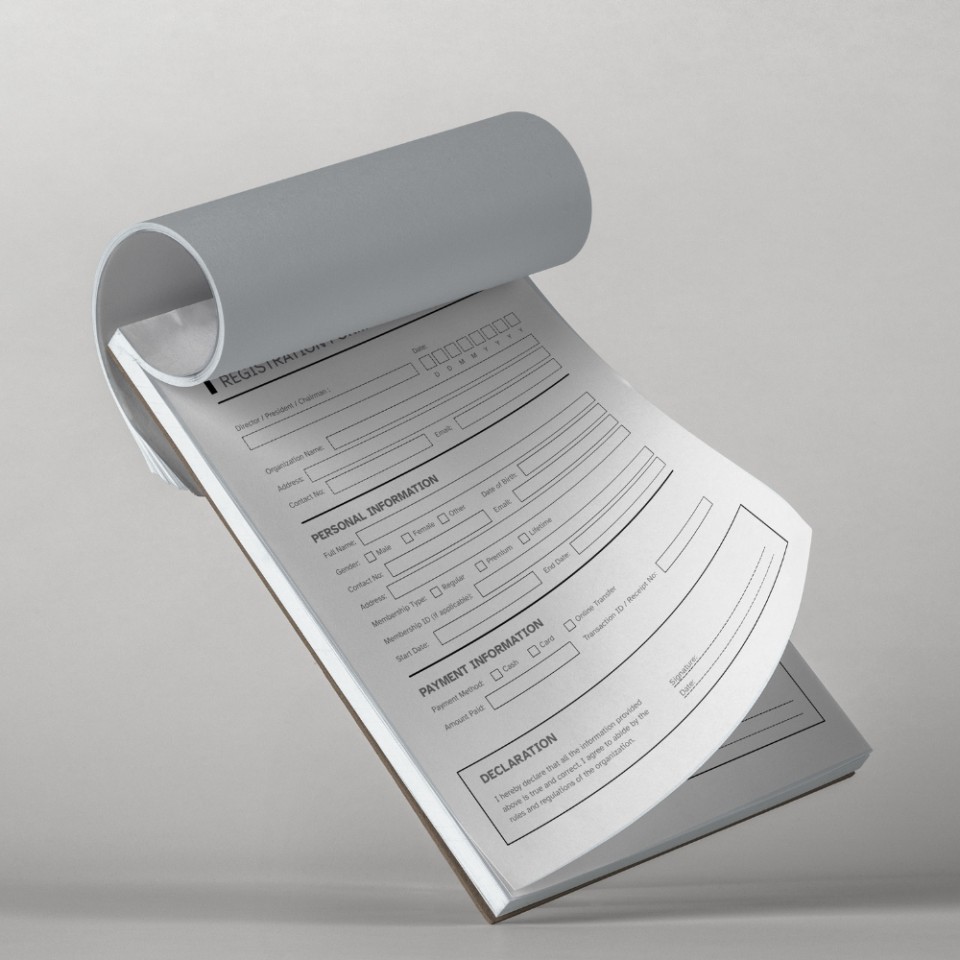
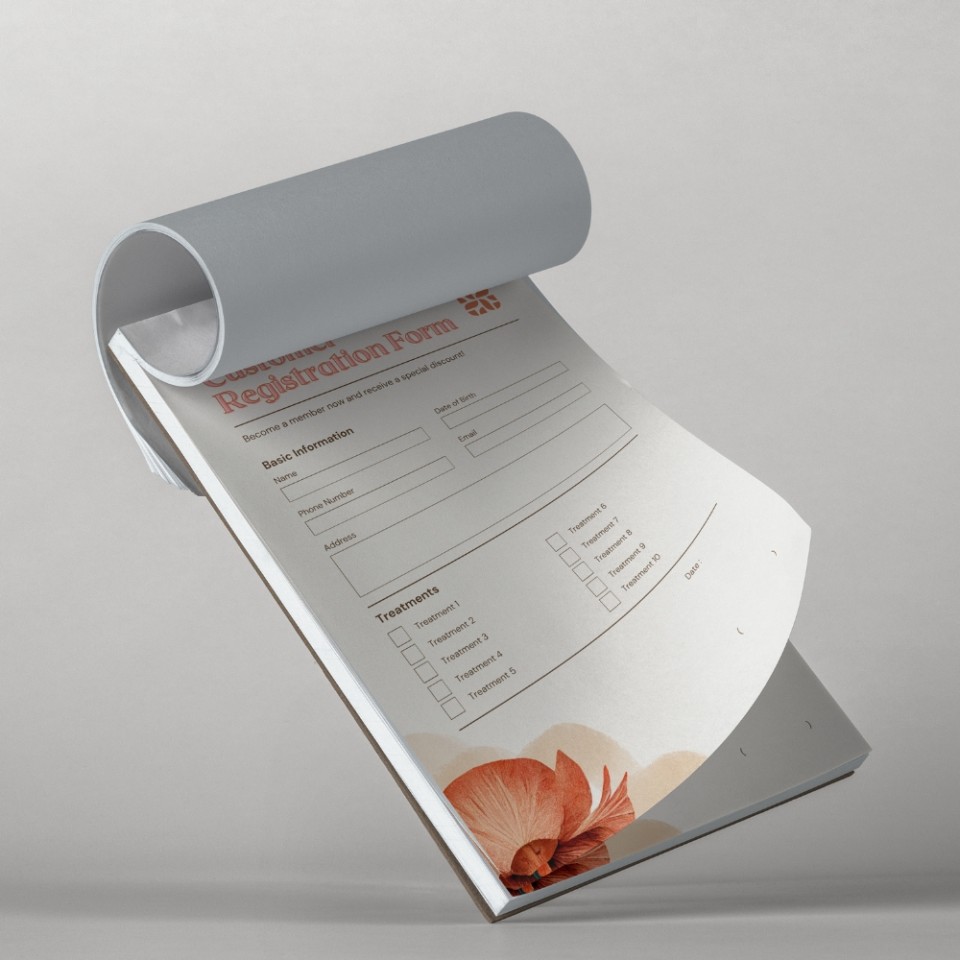
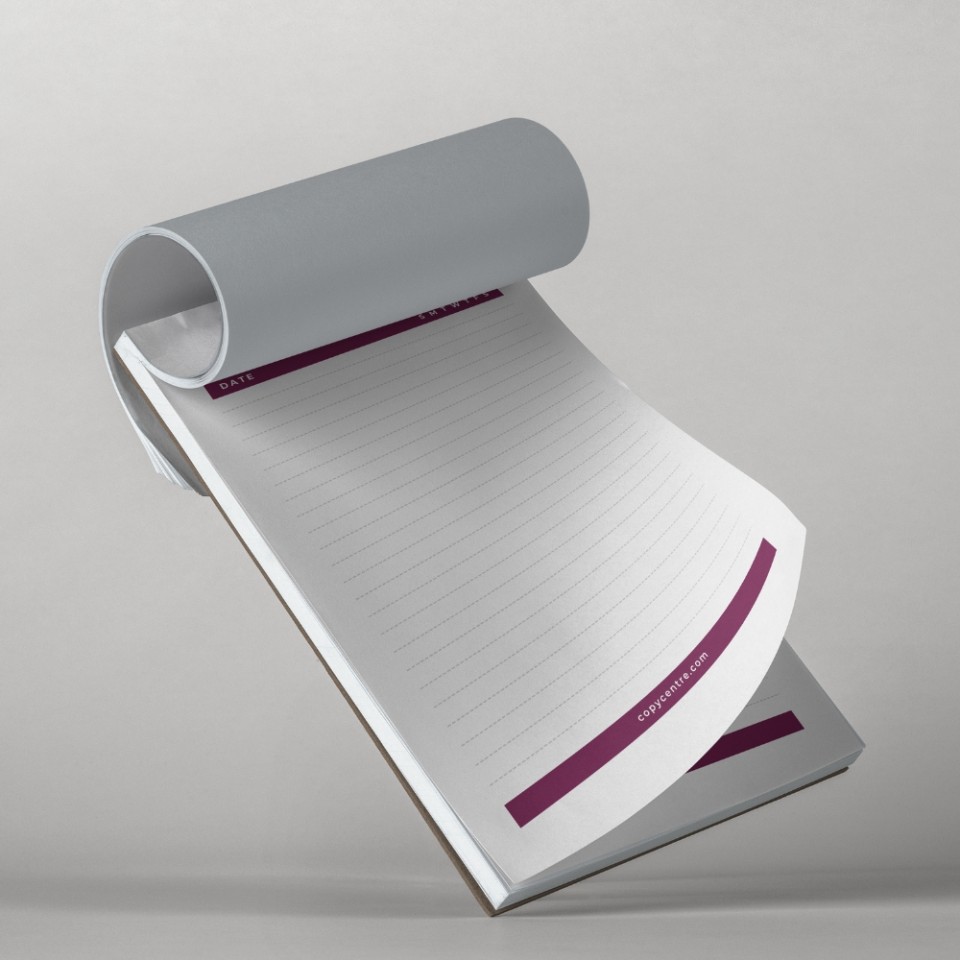
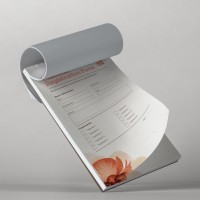
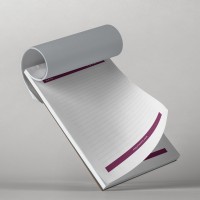
Our custom paper pads are glued at the top onto a thick backing board. This provides a solid writing surface even when you are away from a desk, making them excellent for:
-
Desk Pads (A3): A popular corporate gift that stays on a client's desk all year round.
-
Order Forms: Keep your checklists and job sheets organised in one place.
-
Note Pads (A5/A6): Perfect for jotting down quick reminders or handing out at conferences.
We'll need to have a file that we can print from.
Our prices are per design, so if you have 2 different forms, you'll need to make a separate order for each.
Simply work out the total number of pads you would like, any options, and Add to Basket.
After checkout, you'll be prompted to upload your file. If you'd like numbering, you'll be able to write a note to tell us the starting number (or any other instructions).
We don't print anything automatically. We'll check your order, make sure we understand it, and email you a PDF proof for you to approve first. This will show the final layout as it would print, and allows you to check for any mistakes.
Once you approve your PDF proof, we'll get started and email you once we've dispatched your order.
Specifications
- Pads are glued on the top edge on to backing board. Each sheet is torn out of the pad as it is used.
If you'd like your pad to be glued on a different edge, just let us know during the checkout or by email. - Sequential Numbering is where we print a unique number on each page. This is useful for invoices or anything that you need to keep a record of. You can tell us the starting number and placement by typing a note during checkout.
- Hole punching is on the left portrait (long) edge for A4, A5, DL. For A3 size we hole punch the left landscape (short) edge.
- Print Margins: Black & white print margins are 5mm. Colour can be printed edge to edge if you supply us with a PDF with cropmarks and 3mm bleed.
- Paper: we use FSC certified paper from mixed renewable sources
File Types
Our ideal file type is a PDF saved with 'press quality' or ‘high quality print' settings.
If you want edge to edge printing in colour, please include 3mm bleed and cropmarks.
Using Canva? Export as PDF Print and tick the 'Crop marks and bleed' box. In Adobe software, use File → Export → PDF (Print) with the Press Quality preset. Full guidance at copycentre.com/artwork.
We accept most file types (eg: Microsoft Word, Powerpoint), and we can resize your file for you. Please note that Microsoft Office files can change between computers so it's best to save or 'print' to a PDF first.
If you only have a paper copy, you can post it to us and we'll scan it in for free.
If you don't have a design, you can download our simple invoice template, which you can edit to become an order form, quote, or anything you like.
We also recommend Canva, where you can edit templates for free, and download them as PDFs for us to print.
Alternatively, we offer a design service, with prices from £40 +VAT
We'll always check your file and send you a PDF proof to approve before printing.
Not found what you're looking for?
Get in touch!Custom Printed Pads
More Prices
Click a price below to add an item, based on your chosen printing options above and relevant service, to the basket.
| Qty | 2-3 working days |
|---|---|
| 1 |
 |
| 2 |
|
| 4 |
|
| 10 |
|
| 20 |
|
| 40 |
|
| 50 |
|
| 80 |
|
| 100 |
|
How it works
We'll need to have a file that we can print from.
Our prices are per design, so if you have 2 different forms, you'll need to make a separate order for each.
Simply work out the total number of pads you would like, any options, and Add to Basket.
After checkout, you'll be prompted to upload your file. If you'd like numbering, you'll be able to write a note to tell us the starting number (or any other instructions).
We don't print anything automatically. We'll check your order, make sure we understand it, and email you a PDF proof for you to approve first. This will show the final layout as it would print, and allows you to check for any mistakes.
Once you approve your PDF proof, we'll get started and email you once we've dispatched your order.
Product Specifications
Specifications
- Pads are glued on the top edge on to backing board. Each sheet is torn out of the pad as it is used.
If you'd like your pad to be glued on a different edge, just let us know during the checkout or by email. - Sequential Numbering is where we print a unique number on each page. This is useful for invoices or anything that you need to keep a record of. You can tell us the starting number and placement by typing a note during checkout.
- Hole punching is on the left portrait (long) edge for A4, A5, DL. For A3 size we hole punch the left landscape (short) edge.
- Print Margins: Black & white print margins are 5mm. Colour can be printed edge to edge if you supply us with a PDF with cropmarks and 3mm bleed.
- Paper: we use FSC certified paper from mixed renewable sources
File Types
Our ideal file type is a PDF saved with 'press quality' or ‘high quality print' settings.
If you want edge to edge printing in colour, please include 3mm bleed and cropmarks.
Using Canva? Export as PDF Print and tick the 'Crop marks and bleed' box. In Adobe software, use File → Export → PDF (Print) with the Press Quality preset. Full guidance at copycentre.com/artwork.
We accept most file types (eg: Microsoft Word, Powerpoint), and we can resize your file for you. Please note that Microsoft Office files can change between computers so it's best to save or 'print' to a PDF first.
If you only have a paper copy, you can post it to us and we'll scan it in for free.
If you don't have a design, you can download our simple invoice template, which you can edit to become an order form, quote, or anything you like.
We also recommend Canva, where you can edit templates for free, and download them as PDFs for us to print.
Alternatively, we offer a design service, with prices from £40 +VAT
We'll always check your file and send you a PDF proof to approve before printing.
Not found what you're looking for?
Get in touch!