
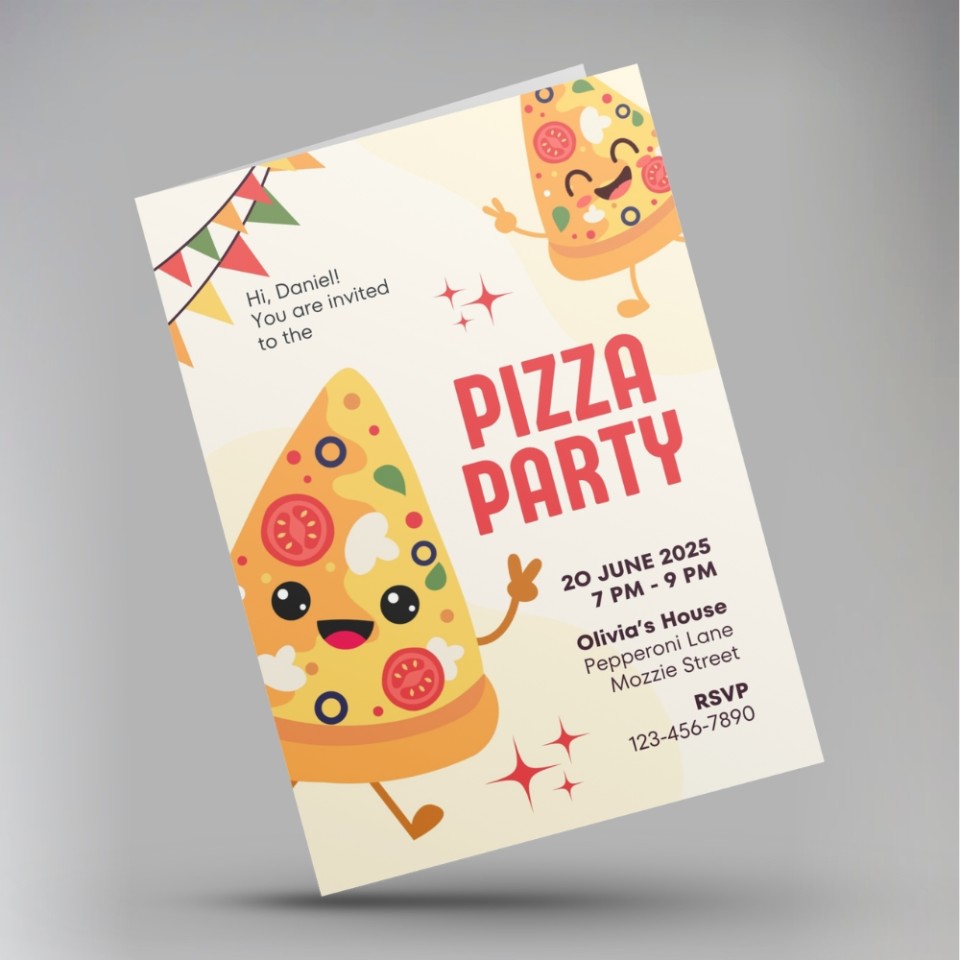
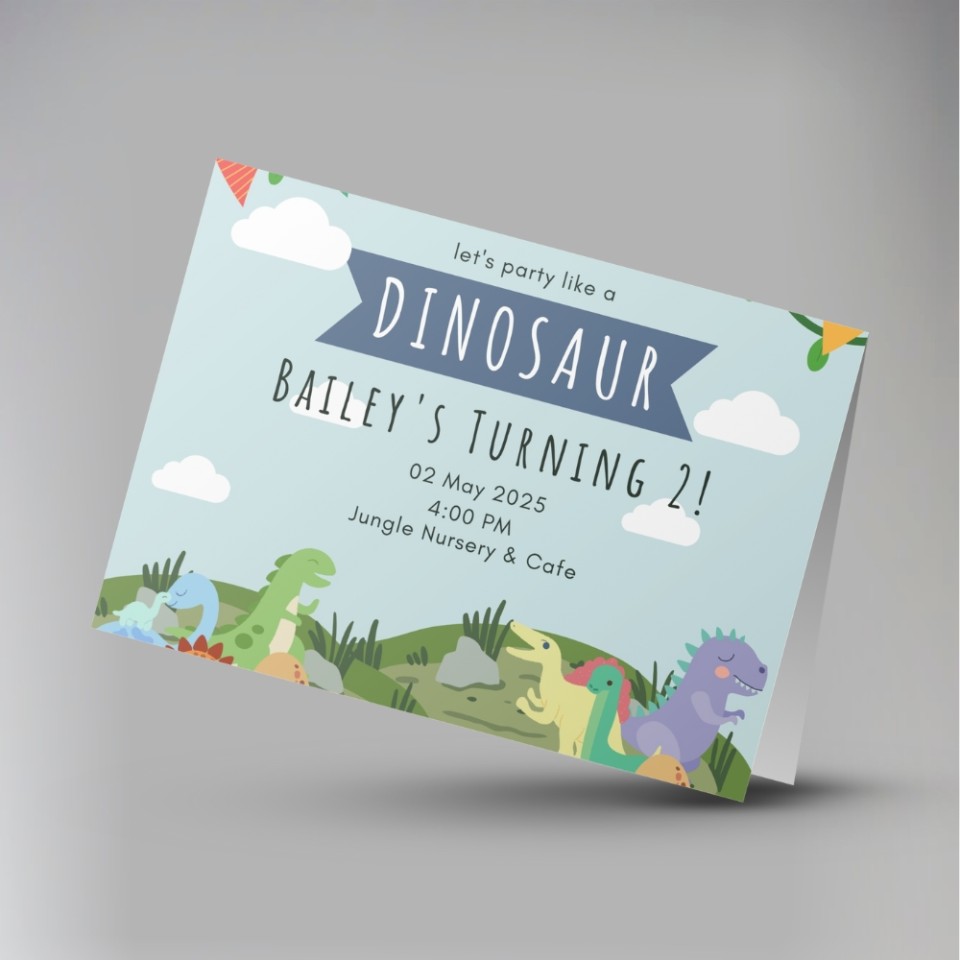
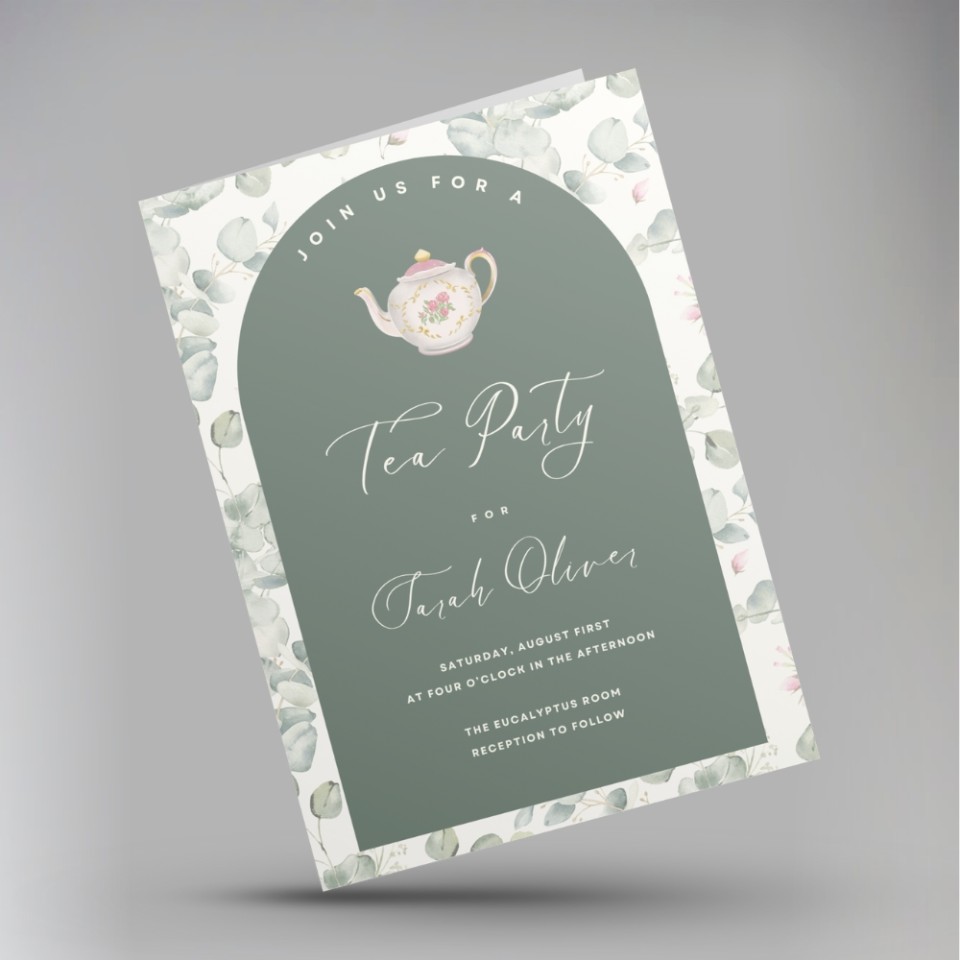
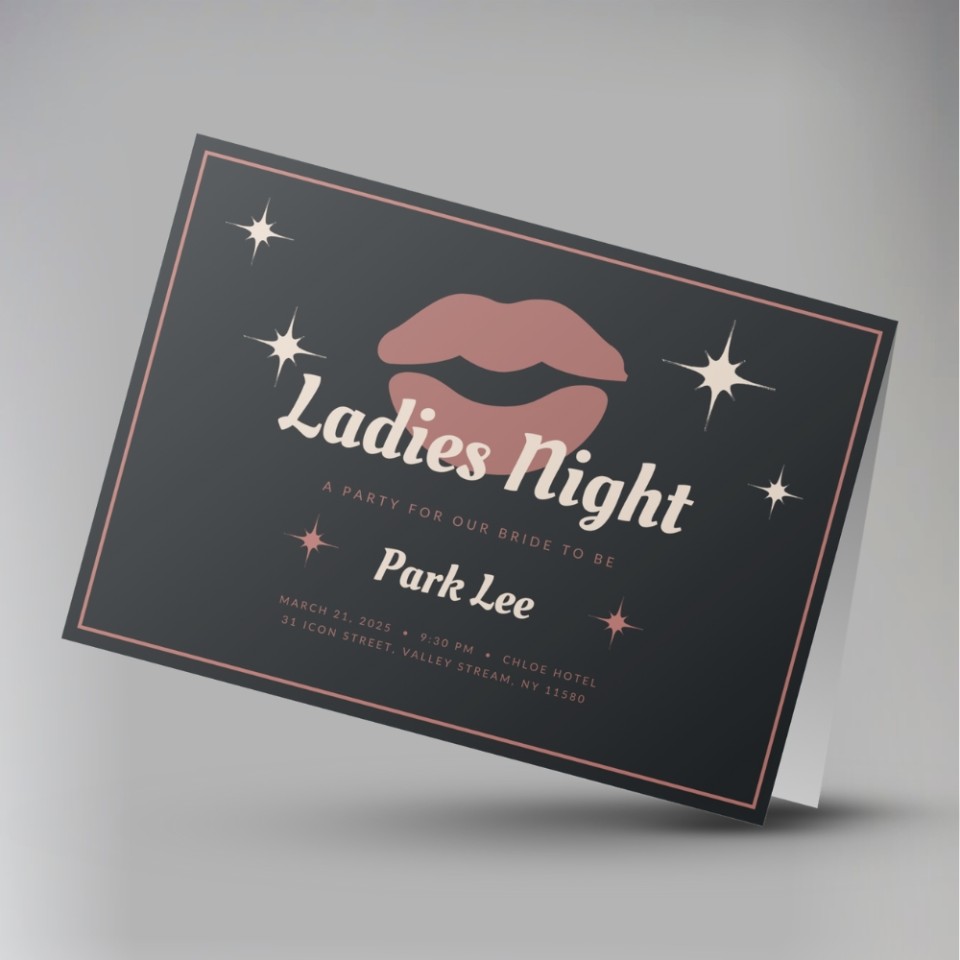
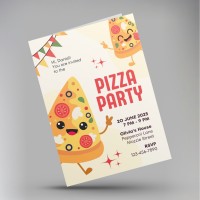
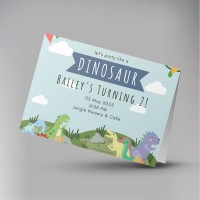
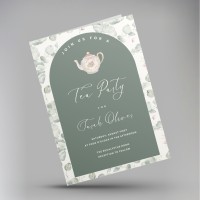

We offer a fast efficient party invite printing service. Perfect for birthdays, children's parties, baby showers, family events, anniveraries and celebrations.
- Variety of sizes and paper options
- Printed full colour from your artwork
- Options to suit all budgets
A cost-effective way to send a printed invitation rather than an online alternative.
Our prices are per design, so if you have 2 different designs, you'll need to make a separate order for each.
After checkout, you'll be prompted to upload your file, and you'll be able to write any special instructions to us there.
We don't print anything automatically. We'll check your order, make sure we understand it, and email you a PDF proof for you to approve first. This will show the final layout as it would print, and allows you to check for any mistakes.
Once you approve your PDF proof, we'll get started and email you once we've finished.
Preparing your file
The ideal: a press-ready PDF The best thing you can send us is a PDF exported at 'Press Quality' (or 'High Quality Print') settings, set up with 3mm bleed and cropmarks. Bleed means your design extends slightly beyond the cut edge, so there are no white borders after trimming.
Not sure how to do this? Canva makes it straightforward — export as PDF Print and tick the 'Crop marks and bleed' box. For Adobe InDesign or Illustrator, use File → Export → PDF (Print) and choose the Press Quality preset. Our full artwork guide is at copycentre.com/artwork.
For professional designers
- Colour mode: CMYK
- Resolution: 300 dpi minimum at final print size
- Bleed: 3mm all sides
- Safe zone: keep important text and logos 4mm inside the trim edge
- Fonts: embed all fonts or convert to outlines before exporting
- Cropmarks: include (offset 3mm from trim edge)
- File format: PDF/X-1a or PDF/X-4 preferred; PDF (Press Quality) also accepted
We also accept: JPEG, TIFF, PNG, Word, PowerPoint, and Publisher files.
Whatever you send, you'll see a proof first.
Print & product specifications
- Print process: Full colour digital press (laser). Prices are the same even for black-and-white designs
- Coated Silk card: Smooth, bright white, with a subtle sheen. Colours look vivid and photographs reproduce beautifully. Our most popular choice
- Uncoated card: Natural, slightly textured finish. Better for handwritten additions or a more traditional feel
- Paper: FSC-certified from mixed sustainable sources
- Envelopes (where selected): 120gsm white, peel & seal
Turnaround
- Production starts once you've approved your PDF proof
Not found what you're looking for?
Get in touch!Party Invites
|
Format
Sides
Paper Type
Paper Thickness
Corners
Envelopes
Order within Collect after 4pm:
01-04-26
Delivered by:
02-04-26
01277 634 508
Quantity
Price
£
 + VAT
+ VAT
|
More Prices
Click a price below to add an item, based on your chosen printing options above, to the basket.
| A5 (210 x 148mm) | A6 (148 x 105mm) | A7 (105 x 74mm) | DL (99 x 210mm) | |
|---|---|---|---|---|
| 10 |
|
|
|
|
| 20 |
|
|
|
|
| 50 |
|
|
|
|
How it works
Our prices are per design, so if you have 2 different designs, you'll need to make a separate order for each.
After checkout, you'll be prompted to upload your file, and you'll be able to write any special instructions to us there.
We don't print anything automatically. We'll check your order, make sure we understand it, and email you a PDF proof for you to approve first. This will show the final layout as it would print, and allows you to check for any mistakes.
Once you approve your PDF proof, we'll get started and email you once we've finished.
Product Specifications
Preparing your file
The ideal: a press-ready PDF The best thing you can send us is a PDF exported at 'Press Quality' (or 'High Quality Print') settings, set up with 3mm bleed and cropmarks. Bleed means your design extends slightly beyond the cut edge, so there are no white borders after trimming.
Not sure how to do this? Canva makes it straightforward — export as PDF Print and tick the 'Crop marks and bleed' box. For Adobe InDesign or Illustrator, use File → Export → PDF (Print) and choose the Press Quality preset. Our full artwork guide is at copycentre.com/artwork.
For professional designers
- Colour mode: CMYK
- Resolution: 300 dpi minimum at final print size
- Bleed: 3mm all sides
- Safe zone: keep important text and logos 4mm inside the trim edge
- Fonts: embed all fonts or convert to outlines before exporting
- Cropmarks: include (offset 3mm from trim edge)
- File format: PDF/X-1a or PDF/X-4 preferred; PDF (Press Quality) also accepted
We also accept: JPEG, TIFF, PNG, Word, PowerPoint, and Publisher files.
Whatever you send, you'll see a proof first.
Print & product specifications
- Print process: Full colour digital press (laser). Prices are the same even for black-and-white designs
- Coated Silk card: Smooth, bright white, with a subtle sheen. Colours look vivid and photographs reproduce beautifully. Our most popular choice
- Uncoated card: Natural, slightly textured finish. Better for handwritten additions or a more traditional feel
- Paper: FSC-certified from mixed sustainable sources
- Envelopes (where selected): 120gsm white, peel & seal
Turnaround
- Production starts once you've approved your PDF proof
Not found what you're looking for?
Get in touch!