
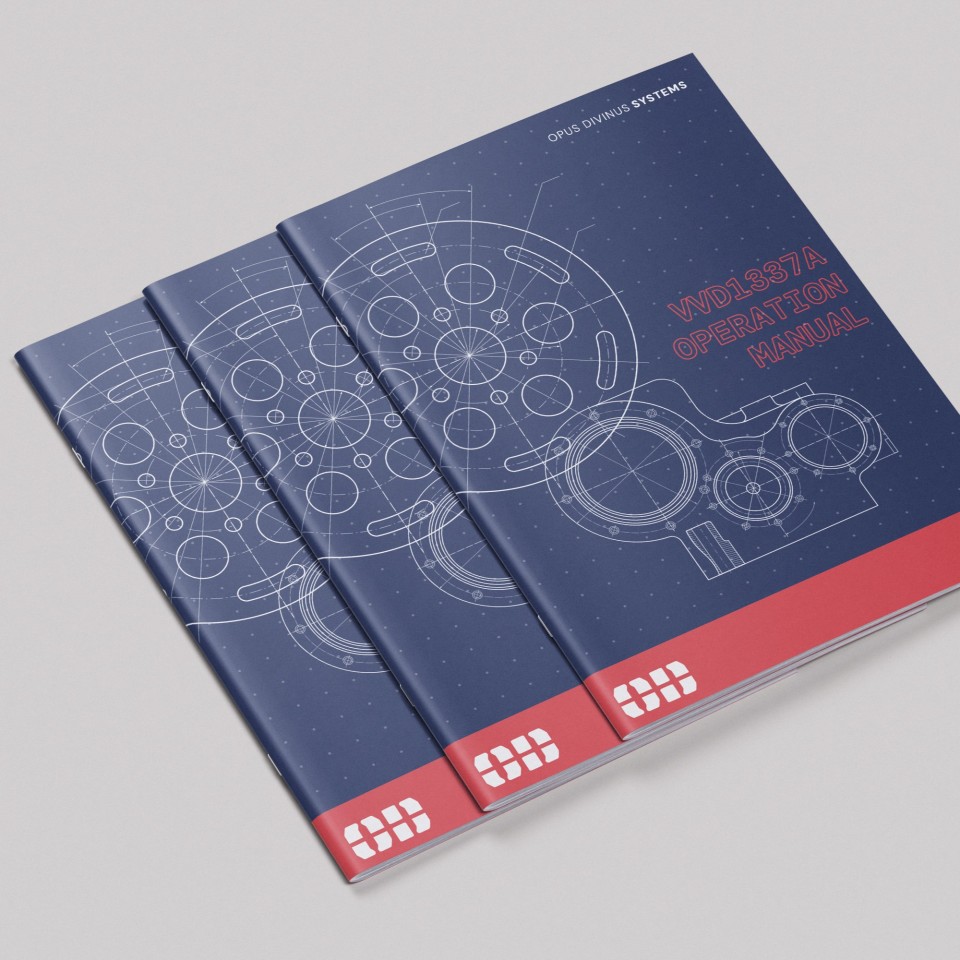
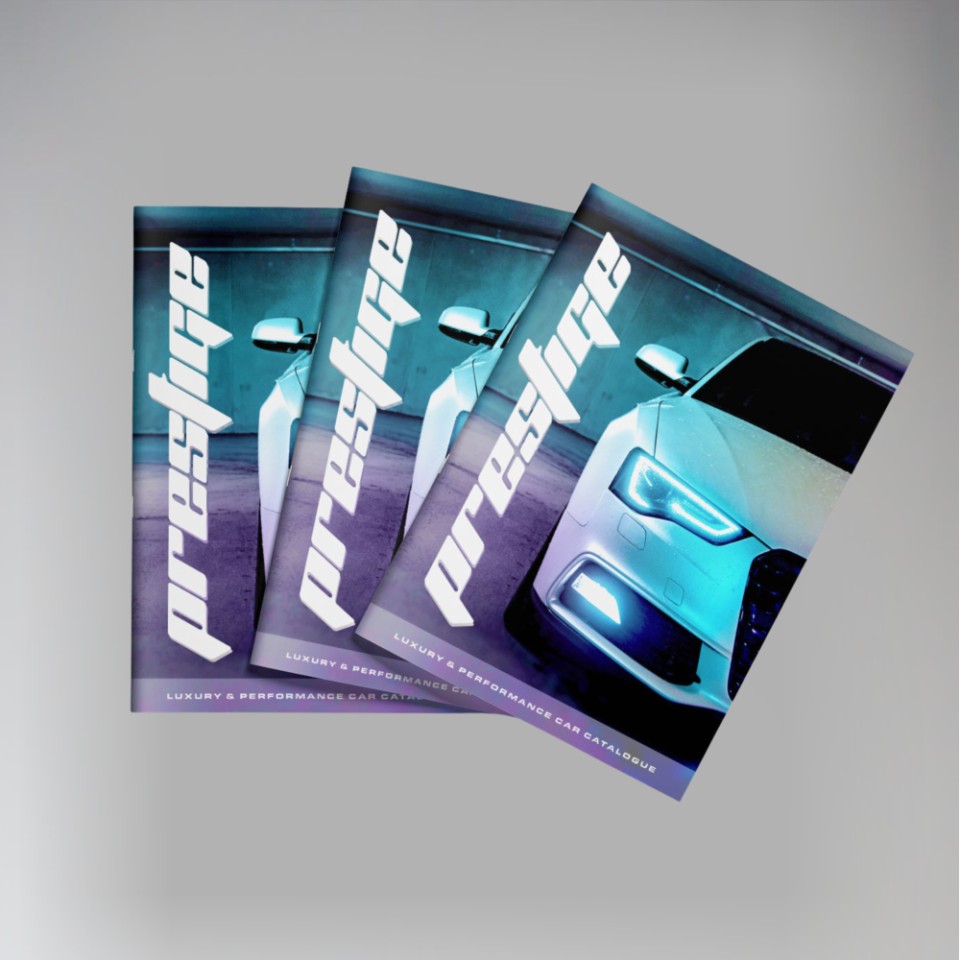
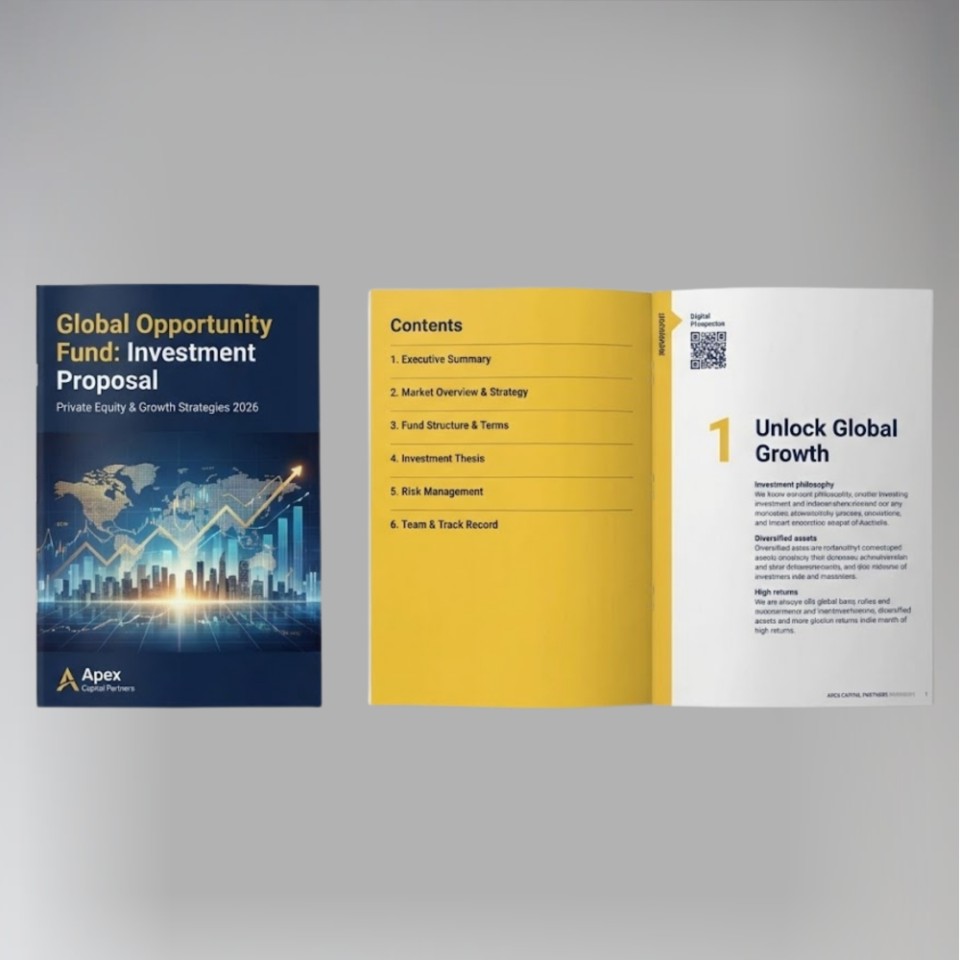
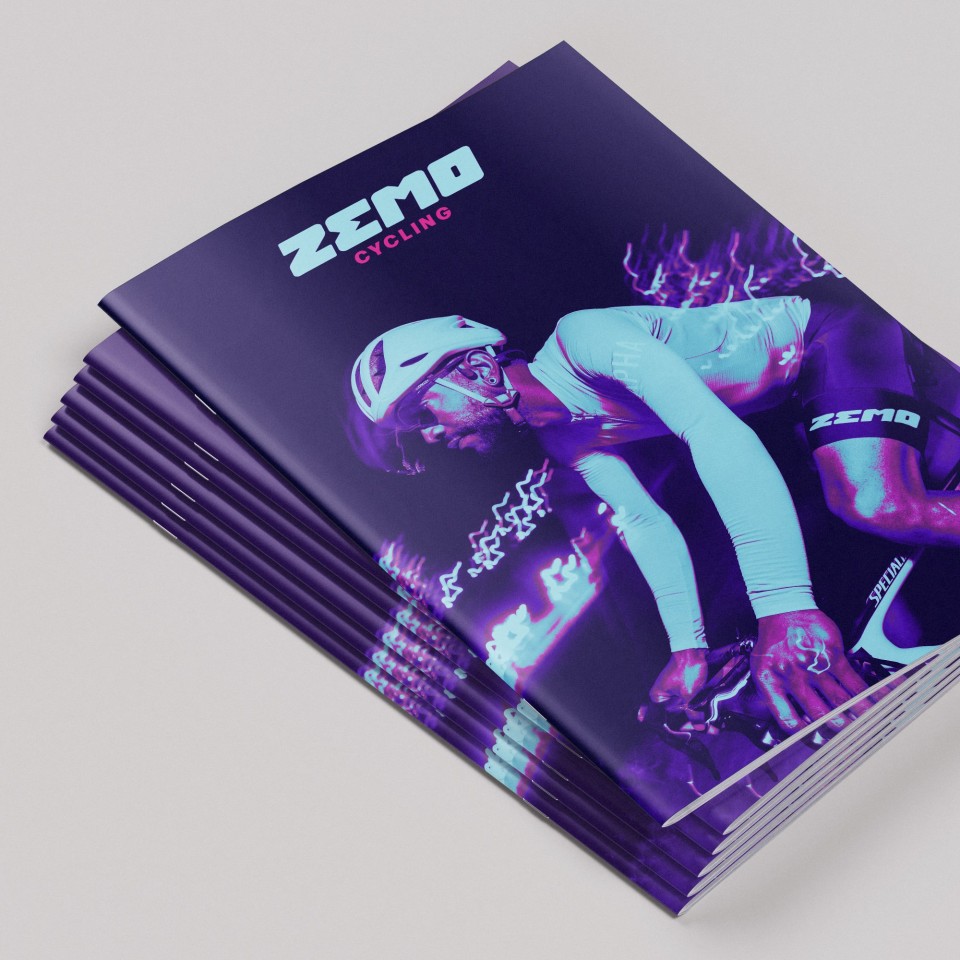
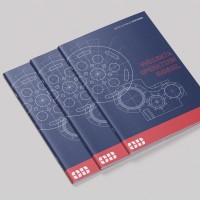
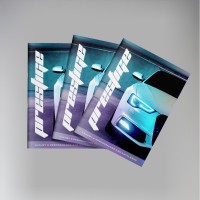
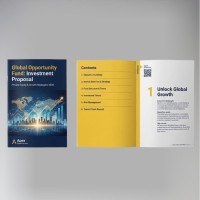
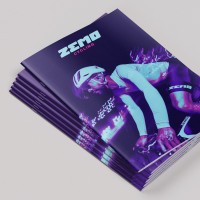
We offer a fast, efficient colour booklet printing service. Saddle-stitched (centre stapled) and available in A4 or A5, they are a highly popular format for corporate brochures, event programmes and product guides.
-
Vibrant full colour throughout
-
Professional saddle-stitched binding
-
Flexible page count options
Order online today with instant pricing, or contact our team for high-volume and bespoke printing requirements.
We'll need to have a file that is ready to print, saved as individual pages in reading order. We'll arrange the layout on our end.
The number of pages is how many 'sides' there are in the finished booklet, and should match the number of pages in your PDF. It always needs to be divisible by 4, but we can add blank pages to make up the difference.
After checkout, you'll be prompted to upload your file, and you'll be able to write any special instructions to us there.
We don't print anything automatically. We'll check your order, make sure we understand it, and email you a PDF proof for you to approve first. This will show the final layout as it would print, and allows you to check for any mistakes.
Once you approve your PDF proof, we'll get started and email you once we've finished.
Preparing your file
We need a ready-to-print file of individual pages in reading order. Please don't try to lay it out as a booklet (ie: putting 2 pages on 1 sheet), as we will do all the 'booklet making' on our end.
The ideal: a press-ready PDF The best thing you can send us is a PDF exported at 'Press Quality' (or 'High Quality Print') settings, set up with 3mm bleed and cropmarks. Bleed means your design extends slightly beyond the cut edge, so there are no white borders after trimming.
Not sure how to do this? Canva makes it straightforward — export as PDF Print and tick the 'Crop marks and bleed' box. For Adobe InDesign or Illustrator, use File → Export → PDF (Print) and choose the Press Quality preset. Our full artwork guide is at copycentre.com/artwork.
For professional designers
- Colour mode: CMYK
- Resolution: 300 dpi minimum at final print size
- Bleed: 3mm all sides
- Safe zone: keep important text and logos 4mm inside the trim edge
- Fonts: embed all fonts or convert to outlines before exporting
- Cropmarks: include (offset 3mm from trim edge)
- File format: PDF/X-1a or PDF/X-4 preferred; PDF (Press Quality) also accepted
We also accept: JPEG, TIFF, PNG, Word, PowerPoint, and Publisher files, though these can't be printed edge to edge.
We'll always check your file send you a PDF proof to approve before printing.
Specifications
- A4 Booklets are printed on A3, folded in half, stapled twice down the fold (saddle stitched), and trimmed for a neat finish.
- A5 booklets are printed on A4 and folded in half.
- 130gsm paper is slightly thicker than normal paper (the same weight as a takeaway menu).
- 170gsm card is a lightweight card that we use for our booklet covers.
- 250gsm card is a medium card that we use for our booklet covers.
- Coated Silk card is smooth and white, with a slight shine to it. It's the most popular choice for printing, and the quality is excellent.
- Uncoated card is a bond paper, with a plain natural 'paper' finish. It has more of a texture compared to silk, and is good for writing on.
Not found what you're looking for?
Get in touch!Colour Booklets
|
Format
Finished size
Printed
Finish
Cover Paper
Inside paper
Order within Delivered by:
08-05-26
01277 634 508
Quantity
Price
£
 - Zero Rated
|
More Prices
Click a price below to add an item, based on your chosen printing options above, to the basket.
| 8 pages | 12 pages | 16 pages | 20 pages | 24 pages | 28 pages | 32 pages | 36 pages | 40 pages | 44 pages | 48 pages | 52 pages | 56 pages | |
|---|---|---|---|---|---|---|---|---|---|---|---|---|---|
| 25 |
|
|
|
|
|
|
|
|
|
|
|
|
|
| 50 |
|
|
|
|
|
|
|
|
|
|
|
|
|
| 100 |
|
|
|
|
|
|
|
|
|
|
|
|
|
How it works
We'll need to have a file that is ready to print, saved as individual pages in reading order. We'll arrange the layout on our end.
The number of pages is how many 'sides' there are in the finished booklet, and should match the number of pages in your PDF. It always needs to be divisible by 4, but we can add blank pages to make up the difference.
After checkout, you'll be prompted to upload your file, and you'll be able to write any special instructions to us there.
We don't print anything automatically. We'll check your order, make sure we understand it, and email you a PDF proof for you to approve first. This will show the final layout as it would print, and allows you to check for any mistakes.
Once you approve your PDF proof, we'll get started and email you once we've finished.
Product Specifications
Preparing your file
We need a ready-to-print file of individual pages in reading order. Please don't try to lay it out as a booklet (ie: putting 2 pages on 1 sheet), as we will do all the 'booklet making' on our end.
The ideal: a press-ready PDF The best thing you can send us is a PDF exported at 'Press Quality' (or 'High Quality Print') settings, set up with 3mm bleed and cropmarks. Bleed means your design extends slightly beyond the cut edge, so there are no white borders after trimming.
Not sure how to do this? Canva makes it straightforward — export as PDF Print and tick the 'Crop marks and bleed' box. For Adobe InDesign or Illustrator, use File → Export → PDF (Print) and choose the Press Quality preset. Our full artwork guide is at copycentre.com/artwork.
For professional designers
- Colour mode: CMYK
- Resolution: 300 dpi minimum at final print size
- Bleed: 3mm all sides
- Safe zone: keep important text and logos 4mm inside the trim edge
- Fonts: embed all fonts or convert to outlines before exporting
- Cropmarks: include (offset 3mm from trim edge)
- File format: PDF/X-1a or PDF/X-4 preferred; PDF (Press Quality) also accepted
We also accept: JPEG, TIFF, PNG, Word, PowerPoint, and Publisher files, though these can't be printed edge to edge.
We'll always check your file send you a PDF proof to approve before printing.
Specifications
- A4 Booklets are printed on A3, folded in half, stapled twice down the fold (saddle stitched), and trimmed for a neat finish.
- A5 booklets are printed on A4 and folded in half.
- 130gsm paper is slightly thicker than normal paper (the same weight as a takeaway menu).
- 170gsm card is a lightweight card that we use for our booklet covers.
- 250gsm card is a medium card that we use for our booklet covers.
- Coated Silk card is smooth and white, with a slight shine to it. It's the most popular choice for printing, and the quality is excellent.
- Uncoated card is a bond paper, with a plain natural 'paper' finish. It has more of a texture compared to silk, and is good for writing on.
Not found what you're looking for?
Get in touch!